FPV
Buying FPV Goggles: What to Look For
Updated on 3 min read
Written with AI: This text was written with the help of artificial intelligence. Technical data and legal information are based on the linked manufacturer and authority sources. Learn more
Analogue or digital?
| Analogue | Digital | |
|---|---|---|
| Image quality | low resolution, image noise with a weak signal | much sharper, HD image |
| Compatibility | analogue systems are largely compatible with each other | usually only with the manufacturer’s own system |
| Behaviour with a poor signal | image gets noisy but usually stays visible | image may stutter or freeze |
| Price | cheaper | more expensive |
For filming and relaxed flights, a digital system is usually the better choice. Analogue is interesting for tinkerers and racers who want a cheap start and to fly many drones with one pair of goggles.
Check compatibility first
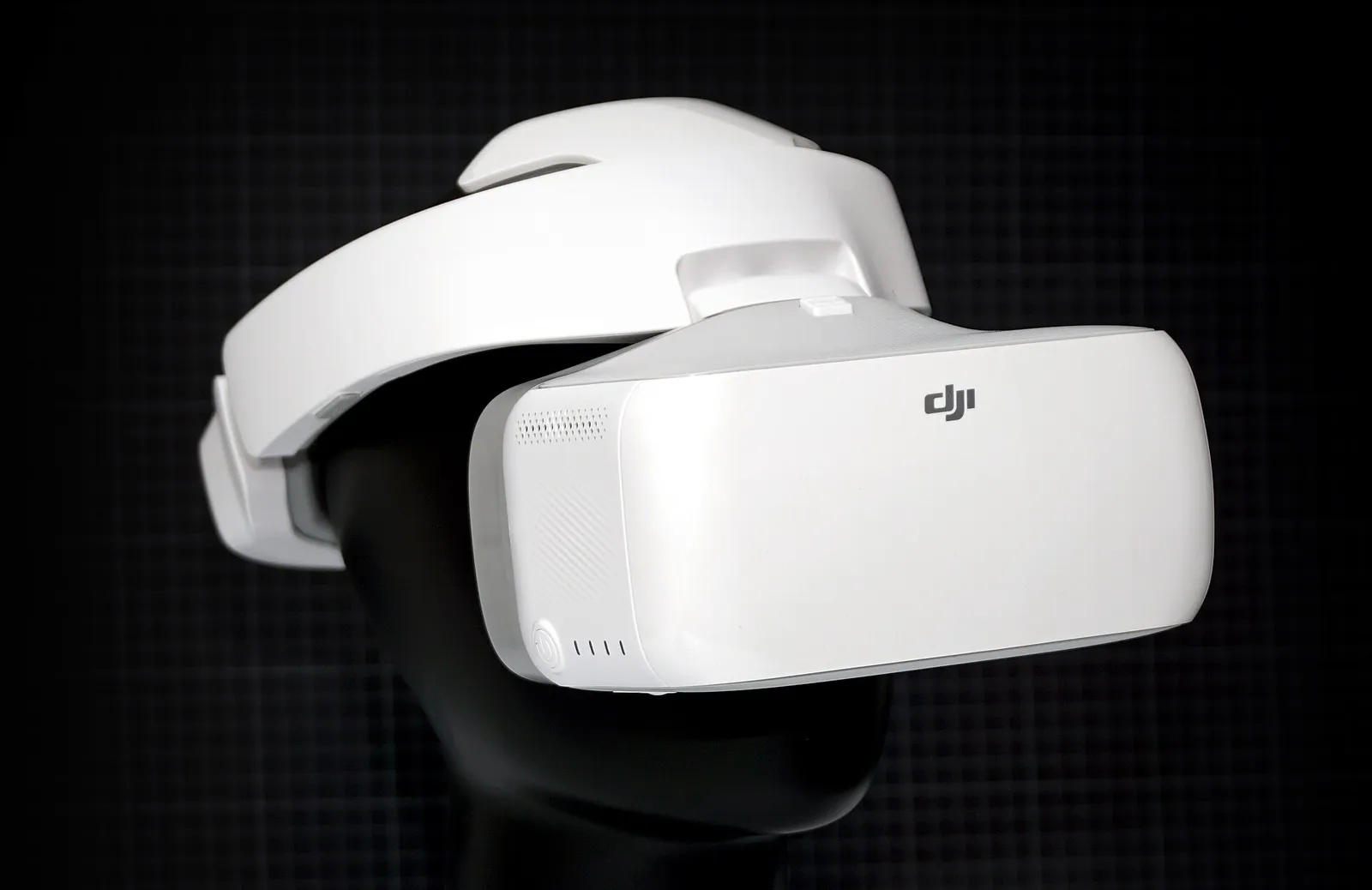
Before you buy goggles, check with the drone’s manufacturer which goggles are officially supported. For ready-made systems such as the DJI Avata 2, the manufacturer lists the matching goggles. According to the DJI FAQ, for the Avata 2 these are the Goggles 3, Goggles N3, Goggles 2 and Goggles Integra. Depending on the goggles, different controllers fit: with Goggles 3 and N3 the RC Motion 3 or FPV Remote Controller 3, with Goggles 2 and Integra the RC Motion 2 or FPV Remote Controller 2. With open systems, the video system on the drone (transmitter and camera) must match the goggles. What to look for when buying the drone itself is under FPV drone for beginners.
The controller must also match the system. Which radio or motion controller goes with which drone is explained under FPV controller.
A special case are 360-degree drones such as the Antigravity A1: with their goggles you can look around freely during the flight. How it differs from a classic FPV drone is shown in Avata 2 vs. Antigravity A1.
Other buying criteria
- Eyesight: Many goggles can be adjusted for short- or long-sightedness or have inserts for prescription lenses. Check the range if you normally wear glasses. The DJI Goggles N3, for example, has no diopter adjustment according to the spec sheet, but you can wear it over your own glasses.
- Interpupillary distance (IPD): If it is adjustable, the image is sharp for more people.
- Recording: Some goggles record the live image. That is handy if the drone itself does not record or you need to search for a crash.
- Comfort: Weight, padding and a headband that does not press. Try them on beforehand if possible.
- Battery: Most goggles run on an external battery. Plan enough runtime for several flights.
Legally important: the airspace observer
With goggles on, you can no longer see the drone with your own eyes. In the open category, an airspace observer must therefore stand right next to you, keep the drone in view and warn you. Everything about this is under FPV rules.
Frequently asked questions
Can I use FPV goggles with a DJI Mini?
The Mini series is not designed for FPV goggles; you fly it via a smartphone or a remote controller with a screen. FPV goggles are meant for FPV drones. We explain how to get started under Getting started with FPV.
Will the goggles make me feel sick?
Some people feel dizzy at first when flying FPV. Start with short flights, sit down and take breaks.
Sources
- Durchführungsverordnung (EU) 2019/947 (airspace observer, open category) – EUR-Lex, retrieved on 12 November 2026
- Luftfahrt-Bundesamt: Fragen und Antworten zu Drohnen (video goggles), retrieved on 12 November 2026
- DJI: Avata 2 – FAQ (compatible goggles and remote controllers), retrieved on 14 November 2026
- DJI: Goggles N3 – FAQ (compatible aircraft and remote controllers), retrieved on 14 November 2026
- DJI: Goggles N3 – Technische Daten (diopters), retrieved on 14 November 2026