Guides
Learning to Fly a Drone: Your Practice Plan from Hovering to Orbits
Updated on 4 min read
Written with AI: This text was written with the help of artificial intelligence. Technical data and legal information are based on the linked manufacturer and authority sources. Learn more
Before you take off: the legal basics
Learning to fly starts at your desk. Sort out these points before your first flight:
| Topic | Where to read up |
|---|---|
| Registration and e-ID | Registering a drone |
| Liability insurance | Drone insurance |
| Drone pilot certificate A1/A3 (Kompetenznachweis) | Drone licence |
| Where you may fly | No-fly zones |
For class C0 drones, EASA requires as competence that you read the user manual carefully. Take this seriously: it explains how your drone behaves when it loses signal or the battery runs low. How to prepare drone and app before the very first take-off is under Your first flight.
Control basics
Most camera drones are flown in Mode 2. According to the manual, this is the default setting on DJI drones:
| Stick | Up/down | Left/right |
|---|---|---|
| Left stick | climb and descend | rotate on the spot |
| Right stick | forward and backward | fly sideways |
The further you push the stick, the faster the drone flies. So start with small, smooth movements. At first, fly in Normal or Cine mode, not Sport mode. On the Mini 5 Pro, for example, DJI switches off obstacle sensing in Sport mode, and according to the manual the braking distance rises to at least 30 m in calm conditions.
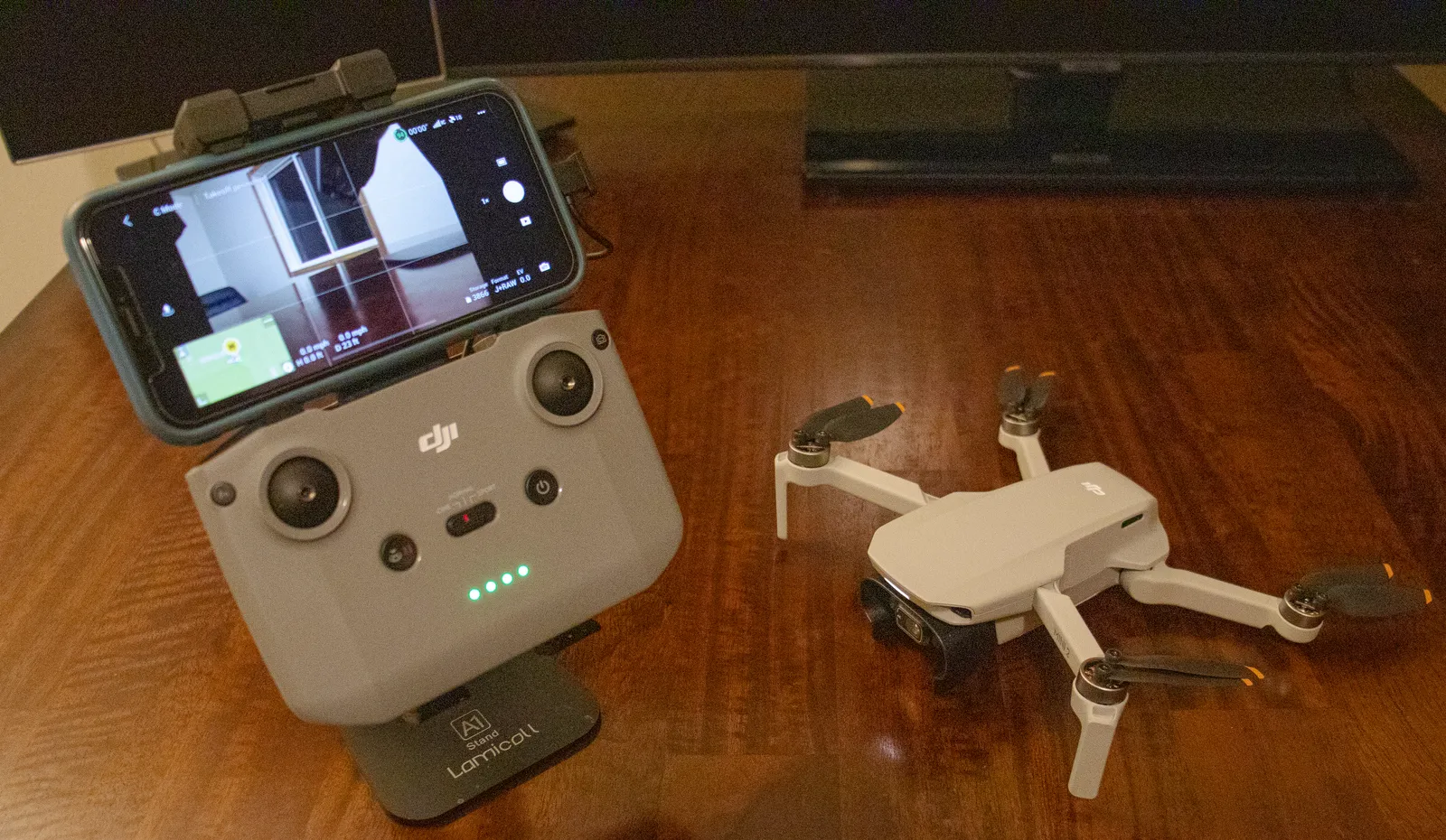
Your practice plan in 6 steps
Practise each stage until you can do it without thinking. Only then move on. Allow one exercise per battery.
Step 1: Take off, hover, land
Place the drone on a level, open surface with its rear facing you. Take off, climb to eye level up to a few metres and hold the drone steady in the air. Land gently. Repeat until your landing is reliable.
Step 2: Sideways, forward, backward
Move the drone using only the right stick: a few metres forward, back, left, right. The nose always points away from you.
Step 3: Rotate and keep your orientation
Use the left stick to slowly rotate the drone on the spot. When the nose points towards you, left and right are reversed. Practise exactly this situation; it is the most common cause of beginner mistakes.
Step 4: Fly a square
Fly a square: forward, sideways, backward, sideways. Then fly the same square with the drone turning at each corner so the nose always points in the direction of flight.
Step 5: Figure eight
Now combine both sticks: fly forward and rotate at the same time. Fly a large figure eight. This trains smooth curves, which you will need later for videos.
Step 6: Circle around an object
Find a free-standing object, such as a tree or a post. Fly sideways with the right stick and at the same time rotate the opposite way with the left stick so the camera always points at the object. This is the hardest exercise and the basis for many great shots. Automatic flight modes can partly do such manoeuvres for you. Being able to do them by hand is still important in case you need to step in.
Practise safely: the right place
- Large open area without people, trees, power lines and buildings.
- Little wind. DJI generally advises against flying in storms, rain, snow and fog.
- Outside geographical zones. Check the location on the dipul map beforehand.
- Set the return-to-home altitude. It must be higher than all obstacles in the area.
What to check before every take-off is in the pre-flight checklist.
Practise in a simulator first?
A simulator is not a must for camera drones, but it does not hurt. According to DJI, you can try “Virtual Flight” for free in the DJI Store app. For FPV drones, on the other hand, a simulator is almost essential, because you fly without assist systems. We present software and gear under FPV simulator.
Frequently asked questions
How long does it take until I fly confidently?
That varies a lot. With a modern GPS drone, the basics often work after a few batteries. Confident orbits need considerably more practice.
Which drone is good for learning?
A light drone with GPS, obstacle sensing and automatic return to home. You will find a selection in the buying guide “Drone for beginners” under “Read more”.
Can I practise in my garden?
That depends on the size of the garden, the neighbouring properties and the geographical zones. For your first exercises, a large open area is usually better. What applies above your own and your neighbour’s property is under Drone in the garden.
Sources
- DJI: Mini 5 Pro – User Manual v1.0 (PDF, English; flight modes, control modes, take-off and landing), retrieved on 12 November 2026
- DJI: Mini 5 Pro – FAQ (Virtual Flight in the DJI Store app), retrieved on 12 November 2026
- EASA: Open Category – Low Risk – Civil Drones (class C0: read the user manual), retrieved on 12 November 2026